...and how we avoid building the wrong things
Most teams slow down long before anyone admits it. One of the first signs is a roadmap that keeps expanding while the same bottlenecks stay in place. That happens when features get added without a clear job to do, and older ideas never get removed. Everything sounds reasonable, so nothing gets a firm “no.”
When we help founders decide what to build next, we start with constraints, behavior, and risk:
- Does this reduce the current bottleneck?
- Does this change user behavior we can measure?
- Can we reverse it quickly if we are wrong?
Everything that fails those checks gets put on hold to achieve a real goal with real feedback and metrics. Here's how we go about our process at Chayland Design.
1. Start with the constraint that is slowing momentum
We look at user behavior.
- Are new sign-ups reaching the core action?
- Does usage drop after the first few sessions?
- Do sales calls depend on demos to make value clear?
- Is the support volume growing faster than active usage?
The next build should target one constraint. Work that does not touch it can sit out a cycle.
What is the single metric that proves this constraint exists?
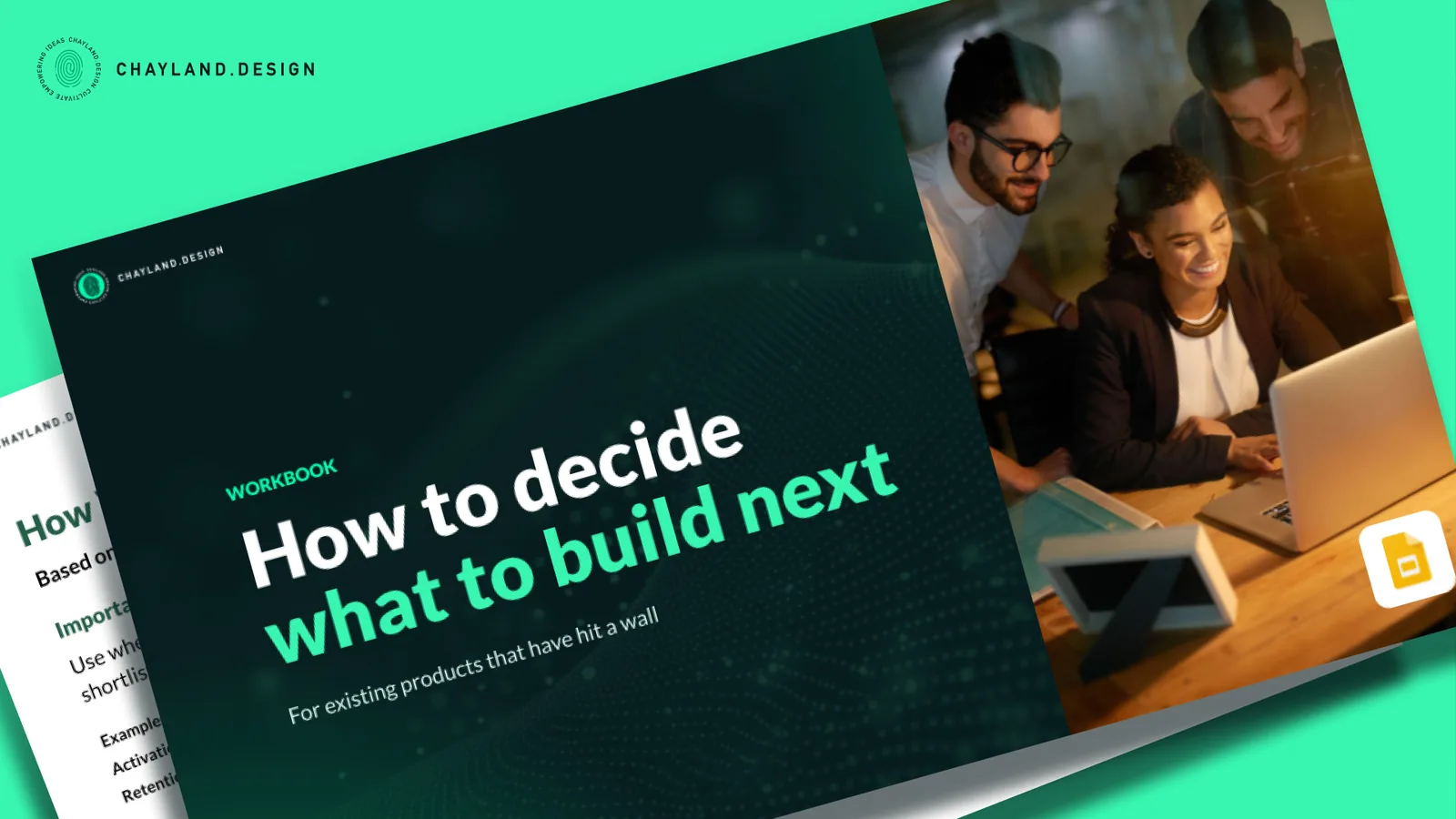
Get our free How to decide what to build next workbook here or continue reading to complete the exercises on your own.
Exercise 1: Constraint Lock-In
Use this when everything feels urgent and the roadmap is overloaded.
- Choose the current primary constraint: activation, retention, revenue conversion, or support load.
- Write the metric that proves it, for example:
- “% of new users completing first project”
- “Day 7 active users / new sign-ups”
- “Support tickets per active account”
- List all candidate features for the next cycle.
- Cross out anything that cannot move that metric within one cycle.
What remains is the short list. The next build comes from that list. Everything else becomes explicitly “not now,” instead of silently hanging around.
2. Treat feature requests as signals, not directives
Feature requests show up as finished ideas: “Add this,” “Integrate that,” “We need this view.” If we accept them at face value, complexity rises while the core problem isn’t addressed.
The useful part is not the specific button or integration. The useful part is the friction that triggered the request.
We move a request up the list when:
- The same problem appears across multiple users or accounts
- Ignoring it affects behavior or revenue, not just opinion
- The user can explain what fails without that capability
When those conditions are missing, the request is less important!
Exercise 2: Behavior Change Test
Use this when requests from sales, leadership, or customers start piling up.
For each proposed feature, answer three questions in writing:
- What user behavior changes if this ships?
- Where will we see that change, which event, metric, or funnel step?
- What happens if we do not build this for 60 days?
If any answer comes out vague or generic, the feature does not move into build. The roadmap stays reserved for work with a clear behavioral effect.
3. Use reversibility so decisions do not stall
Teams often wait for certainty before committing. While they wait, time passes and nothing is learned. Instead of asking “Are we sure this is right?”, we look at how hard the change will be to undo:
- Can we roll this back without major cost?
- Can we test it without locking long-term architecture?
- Can failure happen without harming user trust?
Work that is costly to reverse needs evidence before it starts. Work that is easy to reverse can move sooner and act as a learning tool.
We label each roadmap item as “easy to undo” or “costly to undo” and adjust the bar for proof accordingly.
Exercise 3: Reversibility Sort
Use this when the team is stuck waiting for more confidence.
- Draw two columns: “Easy to undo” and “Costly to undo.”
- Place every roadmap item into one of those columns.
- For “costly to undo,” require usage data, experiments, or consistent user complaints before work begins.
- For “easy to undo,” design smaller, faster releases you can roll back if needed.
This keeps learning moving without loading the product with hard-to-reverse bets.
4. Make “not now” explicit
Ideas that never get a clear “not now” keep returning to planning sessions. Each return reopens the same debate and drains time.
One explicit pause is cheaper than arguing the same feature every sprint.
We close planning with a short list titled “Not building this quarter.” Each item gets one sentence explaining why it is paused, tied to constraints or lack of evidence. We revisit that list monthly so decisions can change when real data changes, not because someone brings the idea up again.
Exercise 4: Kill List
Use this at the end of each planning cycle.
- Create a heading: “Features we are not building this quarter.”
- Add three to five features that keep resurfacing.
- For each, write one sentence explaining the pause, for example:
- “Does not affect current activation constraint”
- “High effort, no usage data yet”
- Share the list with the team and keep it visible.
The list sets boundaries. People still can propose ideas, but they know which ones are off the table for now and why.
5. Force a final check before build
Before a feature moves into build, we expect three specific answers in writing:
- Who is this for right now?
- What user behavior changes after this ships?
- What risk does it reduce this quarter?
If any answer comes out soft or generic, the work waits. That pause costs less than shipping something no one can clearly explain later.
Exercise 5: One-Sentence Test
Use this right before a feature enters development.
Complete this sentence:
“We are building this for ___ so they can ___, which reduces ___.”
Fill in a real audience, a concrete behavior, and a specific risk.
If the sentence feels forced or unclear, pull the feature back. Either sharpen the intent or hold it in the backlog until there is enough clarity to complete the sentence cleanly.
What teams see when they work this way
Teams that use these filters and exercises usually ship fewer features, but make more progress. Planning gets faster because weak options get eliminated earlier. Roadmap calls get easier to defend with investors and stakeholders because the rationale is documented.
This change is about deciding sooner, recording “not now” clearly, and stopping the habit of dragging the same unresolved choices into every cycle. Over time, that discipline produces clearer roadmaps, faster learning, and better use of the team’s attention.