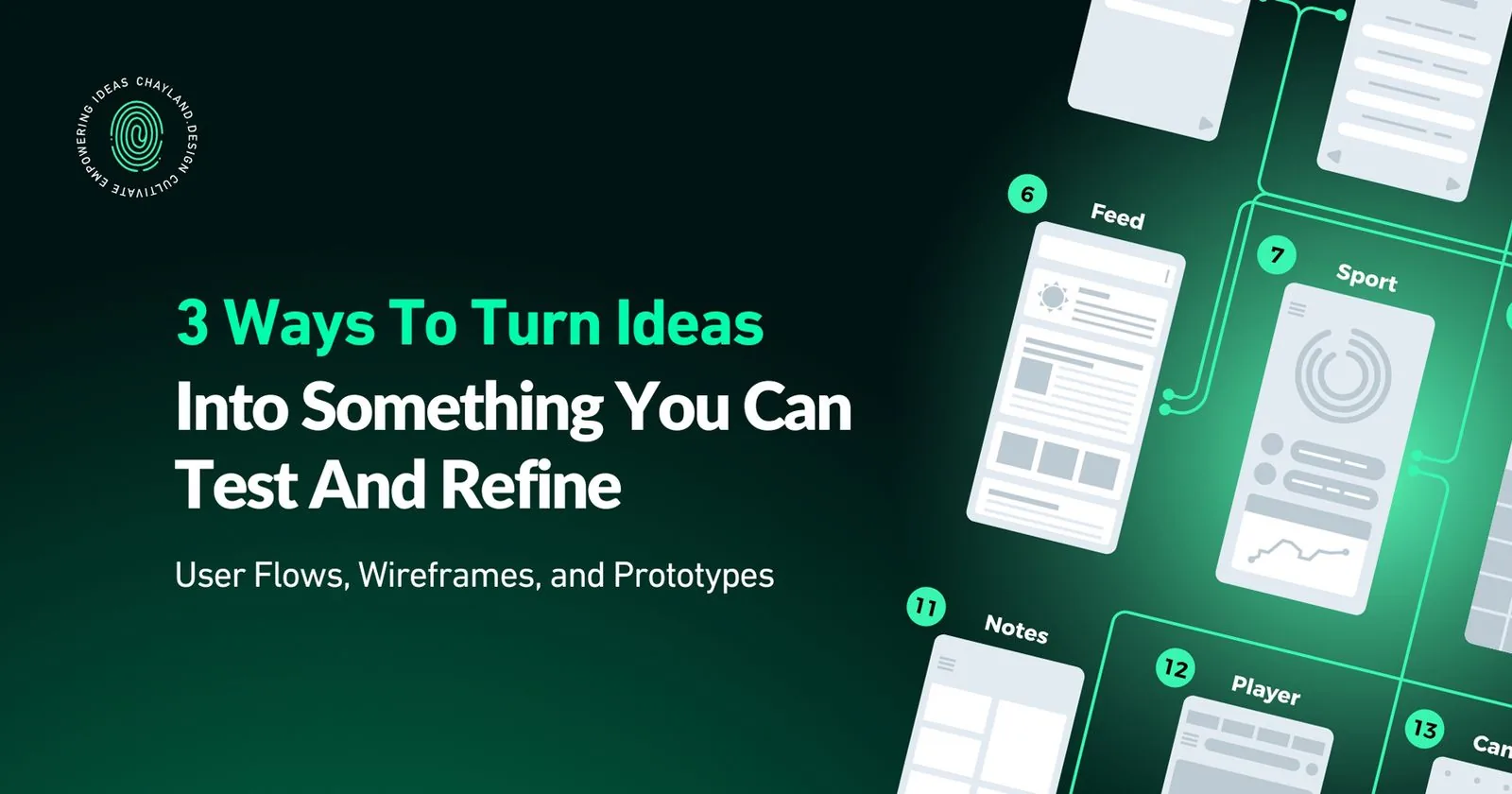
Before you build a product, you need to map how it works. That means understanding the path users take, designing the structure they'll navigate, and testing whether it actually functions.
This is where user flows, wireframes, and prototypes come in.
If you're a founder planning your MVP, a product owner scoping features, or a designer building an interface, these three steps turn ideas into something you can test and refine.
1. User Flow Mapping
User flows map the journey a user takes through your app or website. They show the sequence of actions someone takes to complete a task, making a purchase, signing up, or finding information.
User flows are typically represented as flowcharts or diagrams. You use them early in the design process to plan and structure the user experience.
Why user flows matter:
They visualize the path users will take, making it easier to identify and eliminate roadblocks.
They ensure users can navigate your product without confusion.
They give your development team a clear direction and align efforts toward the same goal.
Mapping user flows helps you prioritize which features to build first based on critical user paths.
Resources:
2. Wireframe Design
Wireframes are basic blueprints of your website or app layout. They provide a skeletal structure for the interface, outlining elements like navigation, content placement, and core UI components.
Wireframes are usually simple, black-and-white layouts. They lack detailed styling, color, or visual design emphasis.
Why wireframes matter:
They help you structure the interface before investing in visual design.
They let you test layout and navigation logic early.
They identify potential pitfalls and challenges before development starts.
Strong wireframes reflect the same design principles that drive user adoption: clarity, functionality, and usability.
Resources:
3. Product Prototyping
Prototypes are interactive, functional models of the final product. They simulate user interactions with the interface, allowing you to test and evaluate the design.
Prototypes range from low-fidelity (clickable wireframes) to high-fidelity (detailed graphics, animations, and interactions that closely resemble the final product).
Why prototypes matter:
They let you conduct user testing and collect feedback without building the full product.
They validate and refine features early, allowing adjustments before committing to development.
They reduce risk and optimize resources.
Tools:
Figma: Real-time collaboration makes it easy to exchange ideas and get prompt feedback. Web-based, so you can access projects from anywhere.
Sketch: Known for simplicity and focus on UI/UX design. Vector-based for sharp, refined designs. Many plugins and resources available.
Replit: AI browser-based coding environment for building working prototypes without local setup. Good for testing functionality quickly.
Claude Code: AI-assisted development tool that helps you build prototypes faster through natural language commands.
Example
Let's say you're building a fitness app:
- Start with wireframes to lay out key pages: home screen, workout results, session confirmation. Map the journey a user takes to book a workout session.
- Make it interactive with a prototype. Let users search for a workout, select dates, and go through the booking process. This hands-on experience spots issues and reveals improvements.
Reflective Practice:
Use prototypes to gather feedback. Present them to friends, family, or potential users. Observe their interaction. Note where they hesitate, what appeals to them, and which aspects might need clarification.
User flows, wireframes, and prototypes are how you catch problems early, test assumptions, and build something users can actually navigate.
Need help bringing your product to life? Reach out at chay@chayland.com or schedule a call.